
Quick Answer: The best legal workflow software for in-house legal teams in 2026 is Streamline AI for legal intake and request routing, LawVu for contract-heavy legal operations, Checkbox.ai for no-code workflow building, Mitratech TeamConnect for large enterprise departments, Onit for project-based legal work, Tonkean for cross-department orchestration, Xakia for small and mid-sized teams, and Ironclad for contract-centric workflows. These platforms capture requests through structured forms, route each one to the right lawyer, track deadlines, and report on turnaround. Pick based on your bottleneck: intake and triage, contract throughput, or outside counsel spend.
Picture this: Email chains for contract reviews are stretching for weeks. Requests are disappearing into spreadsheet black holes. Business stakeholders are constantly asking, "What's the status?" while your lawyers burn out on administrative tasks instead of practicing law.
This is what happens when your legal team is drowning.
Deep down, you know you need a great legal workflow software solution. You also know that if you choose right, your legal department becomes a strategic business asset, but if you choose wrong, you'll waste months on implementation without solving your problems.
The challenge? Most legal workflow platforms were built by tech companies that have never managed an in-house legal department. They don't understand the nuance of legal work, the complexity of approval chains, or the metrics that matter to general counsel.
After evaluating dozens of legal workflow management software solutions and implementing systems across different organizations, we've identified the platforms that solve real problems for in-house legal teams, not just the ones with the flashiest demos.
Key Takeaways
- Legal workflow software covers intake, routing, matter tracking, and reporting, which is a broader job than contract management and the reason teams with a contract tool are often still chasing status updates.
- Workflow automation capabilities vary, and the best solutions eliminate manual routing while adapting to legal nuance and business complexity.
- Analytics separate good platforms from great ones, giving you the metrics you need to show business impact and justify resources.
- Integration depth determines real-world effectiveness, since surface-level connections aren't enough for high-volume legal operations.
- The implementation approach matters as much or more than individual features; choose vendors with proven legal industry experience and change-management expertise.
- Security certifications are the fastest way to shorten a shortlist, because SOC 2 Type II and ISO 27001 are yes-or-no questions rather than judgment calls.
Best Legal Workflow Software at a Glance
Eight platforms cover the realistic shortlist for an in-house team in 2026. The table below is the fast version. Detailed scoring against every evaluation criterion sits further down the page, and each platform gets a full write-up in between.
| Platform | Best for | Deployment | G2 rating |
|---|---|---|---|
| Streamline AI | Legal intake, triage, and request routing | ~60 days | 4.8 / 5 (28 reviews) |
| LawVu | Contract-heavy legal operations | Under 90 days | 4.5 / 5 (102 reviews) |
| Checkbox.ai | No-code visual workflow building | 2 to 6 weeks | 4.8 / 5 (25 reviews) |
| Mitratech TeamConnect | Large, complex enterprise departments | 6 to 12 months | 4.7 / 5 (11 reviews) |
| Onit | Project-based legal work and spend | 6 to 12 weeks | 4.5 / 5 (80 reviews) |
| Tonkean | Cross-department process orchestration | 3 to 6 months | 4.6 / 5 (30 reviews) |
| Xakia | Small and mid-sized in-house teams | Days to weeks | 4.6 / 5 (15 reviews) |
| Ironclad | Contract-centric workflows | 8 to 12 weeks | 4.4 / 5 (312 reviews) |
How Legal Workflow Automation Works in an In-House Team
Legal workflow software automates the path a request travels from the moment someone in the business needs legal help to the moment the work is closed and reported on. A request stops being a vague email that lives in one lawyer's inbox. It enters through a structured form, gets assigned by rule, and stays visible to everyone with a stake in it.
In practice, the category covers six functions:
- Intake capture: collecting requests through forms, email parsing, Slack, Teams, or Salesforce so nothing arrives without the information legal needs to start
- Matter assignment: routing each request by practice area, deal value, business unit, or current workload rather than by whoever answers first
- Approval routing: moving work through the approval chain your organization actually uses, with escalation rules for high-value or non-standard requests
- Status tracking: giving requesters a place to check progress themselves instead of emailing a lawyer to ask
- Deadline management: monitoring work against service level targets and flagging items at risk before they slip
- Reporting: producing volume, turnaround, and capacity data automatically rather than through a quarterly spreadsheet exercise
Two of those functions are worth reading about in their own right before you evaluate vendors. Legal intake is the front door, and how well it works for business stakeholders determines whether anyone uses the system at all. Matter management is what happens after intake, and a tool that captures requests without tracking them afterwards just moves the problem one step down the line.
First-party data shows how wide that gap is. Streamline AI's State of Legal Efficiency report surveyed more than 75 in-house lawyers and put average team efficiency at 45%, with 70.9% of teams scoring below 15 points on its efficiency index. The constraint was not talent, budget, or headcount. It was operational design. That gap shows up industry-wide, too: Streamline AI's 2026 Benchmark Report found 63% of business professionals wait four or more business days for a routine contract review — exactly the bottleneck automated routing and self-service intake are built to close.
This is also where workflow automation for legal teams parts ways with general project management tooling. Matter codes, privilege designations, conflict checking, and audit logs built for regulatory review are not features a horizontal tool is designed to carry, and configuring them yourself is how six-month implementations happen.
Best Legal Workflow Software
- Streamline AI - Best overall for legal intake and workflow automation
- LawVu - Best for contract-heavy legal operations
- Checkbox.ai - Best no-code visual workflow builder
- Mitratech TeamConnect - Best for large, complex enterprise legal departments
- Onit - Best for project-based legal work
- Tonkean - Best for cross-department process orchestration
- Xakia - Best for small and mid-sized in-house teams
- Ironclad - Best for contract-centric workflows
How We Chose These Eight Platforms
Eight platforms, one set of criteria. Here is how we built the list.
Every platform had to clear two bars. It has to be used by in-house legal departments rather than law firms, and it has to appear repeatedly on the pages currently ranking for this term. Practice management tools built for private practice were left out because in-house work runs on different assumptions about billing, clients, and who the lawyer answers to.
Each platform was then scored against the same criteria used in the comparison table further down: legal-specific design, implementation speed, AI capability, user and admin experience, integration depth, analytics and reporting, security and compliance, and enterprise scale.
Product claims come from each vendor's own documentation. Ratings come from G2, quoted with review counts so you can judge the sample size yourself. Limitations come from named reviewers rather than from us. Where a platform beats Streamline AI, the table says so.
1. Streamline AI
Best Overall for Legal Intake and Workflow Automation
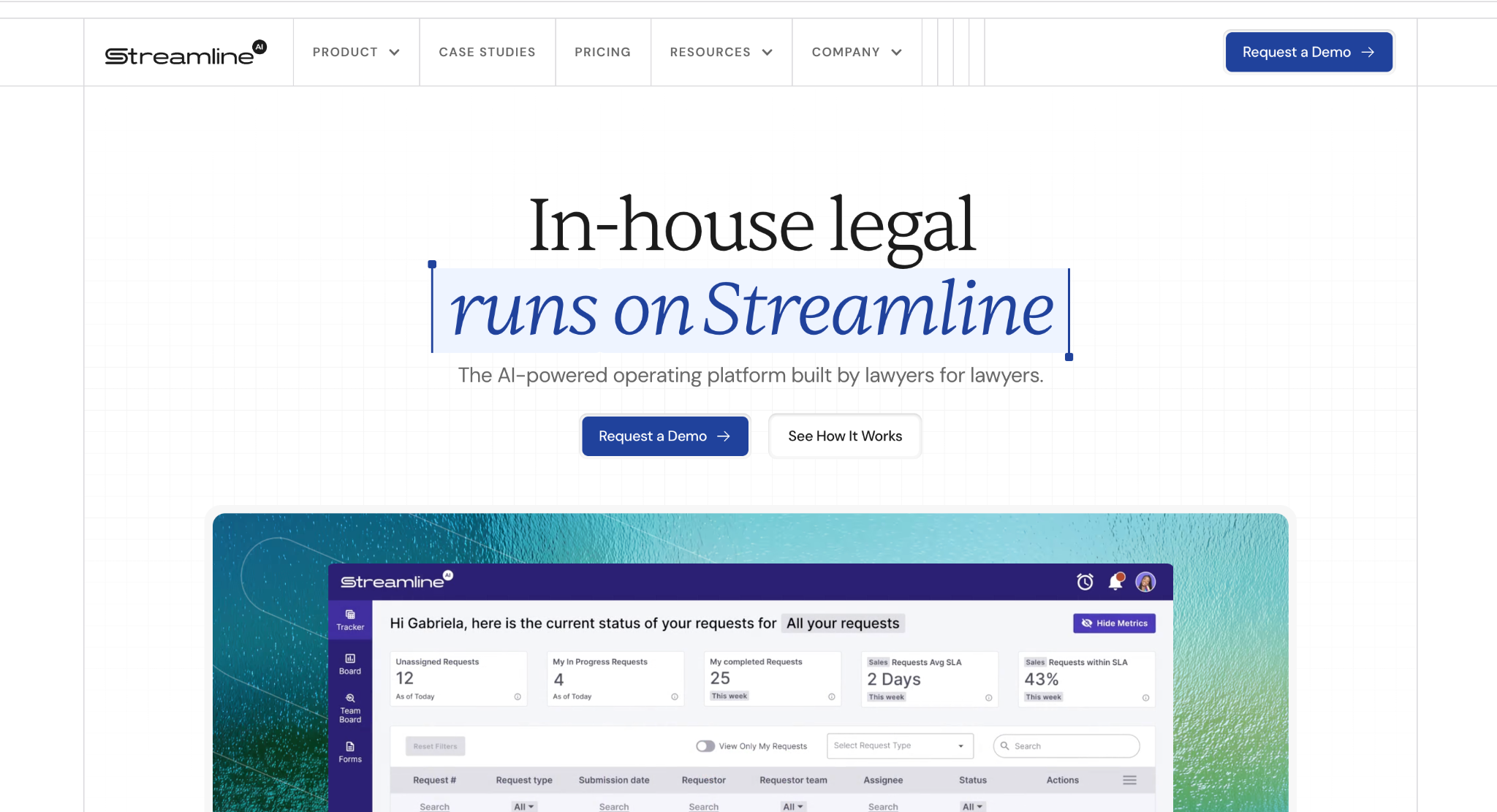
Streamline AI is a legal intake, triage, and matter management platform built for in-house legal departments. Kathy Zhu, a former Associate General Counsel at DoorDash, founded it after manual legal processes became an organizational bottleneck during the company's fastest growth period.
The platform's strength is self-service configuration. Legal operations staff build forms, routing rules, and approval chains without filing an IT ticket, and AI email intake reads unstructured request emails and converts them into structured requests with the fields already populated.
That matters because email remains how most business stakeholders contact legal, whatever system the department has bought.
The limitation is scope. Streamline AI is not a contract lifecycle management system, so it doesn't handle redlining, negotiation, or post-signature obligation tracking, and teams that need those functions run it alongside a CLM rather than instead of one.
Very large departments with heavy multi-jurisdiction matter and outside counsel spend requirements will find the enterprise suites on this list go deeper.
Features
- AI-Powered Email Intake: the email intake system reads unstructured email requests and creates structured workflows with relevant information pre-populated, removing the manual email sorting that consumes senior time each week.
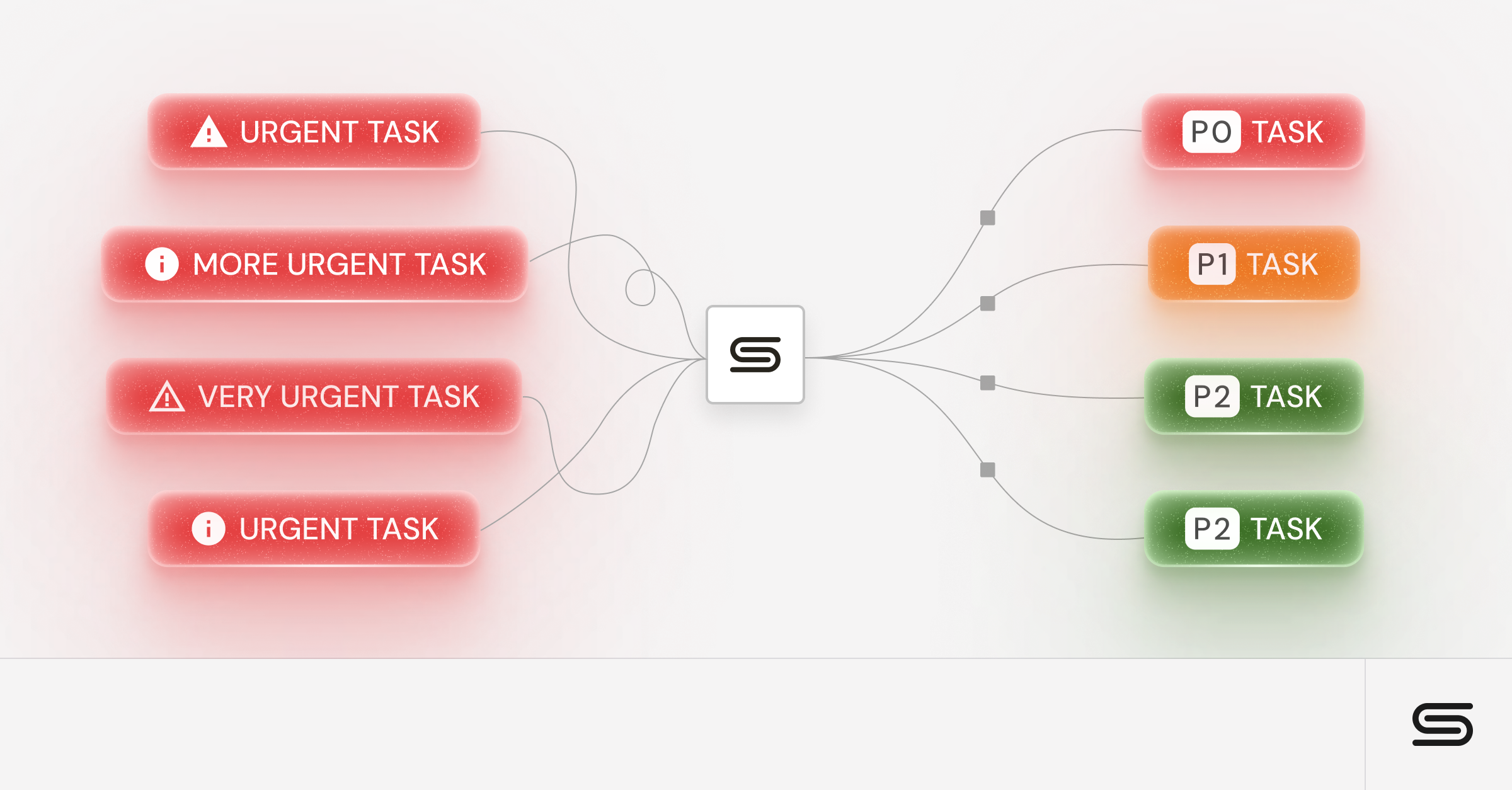
- Intelligent Workflow Automation: purpose-built workflow automation with conditional routing based on deal complexity, automatic escalation, and approval chains that reflect your organization's actual decision-making structure.
- Real-Time Analytics Dashboard: analytics and reporting covering request volume, resolution times, and team capacity, populated automatically as requests flow in rather than through manual data entry.
- Legal Knowledge Management: a built-in knowledge bot that surfaces relevant precedents and guidance based on request content, reducing duplicate work across the team.
- Matter Management: matter management that groups related requests and keeps notes and decisions from earlier similar matters in front of the handling lawyer.
- Integration Suite: native connections with Slack, Salesforce, Google Drive, DocuSign, and Ironclad, plus enterprise SSO through Okta and Azure AD.
Why Choose Streamline AI
Legal teams pick Streamline AI when the bottleneck sits at the front door rather than inside the contract. Requests arrive from everywhere. Nobody can say where anything stands. And when the CFO asks why legal is slow, there's no data to answer with.
One G2 reviewer describes the platform as their legal “front door” for every request type reaching a global corporate legal department.
Published customer results include Apollo.io cutting average legal review time by more than 50% within four months of a one-month deployment, and Redwood Software reporting a 50% reduction in time-to-close across most request types alongside a 25% reduction in initial response time. Lighthouse deployed in 30 days and cut time spent tracking down information by 40 to 50%.
Streamline AI holds 4.8 out of 5 on G2 across 28 reviews.
2. LawVu
Best for Contract-Heavy Legal Operations
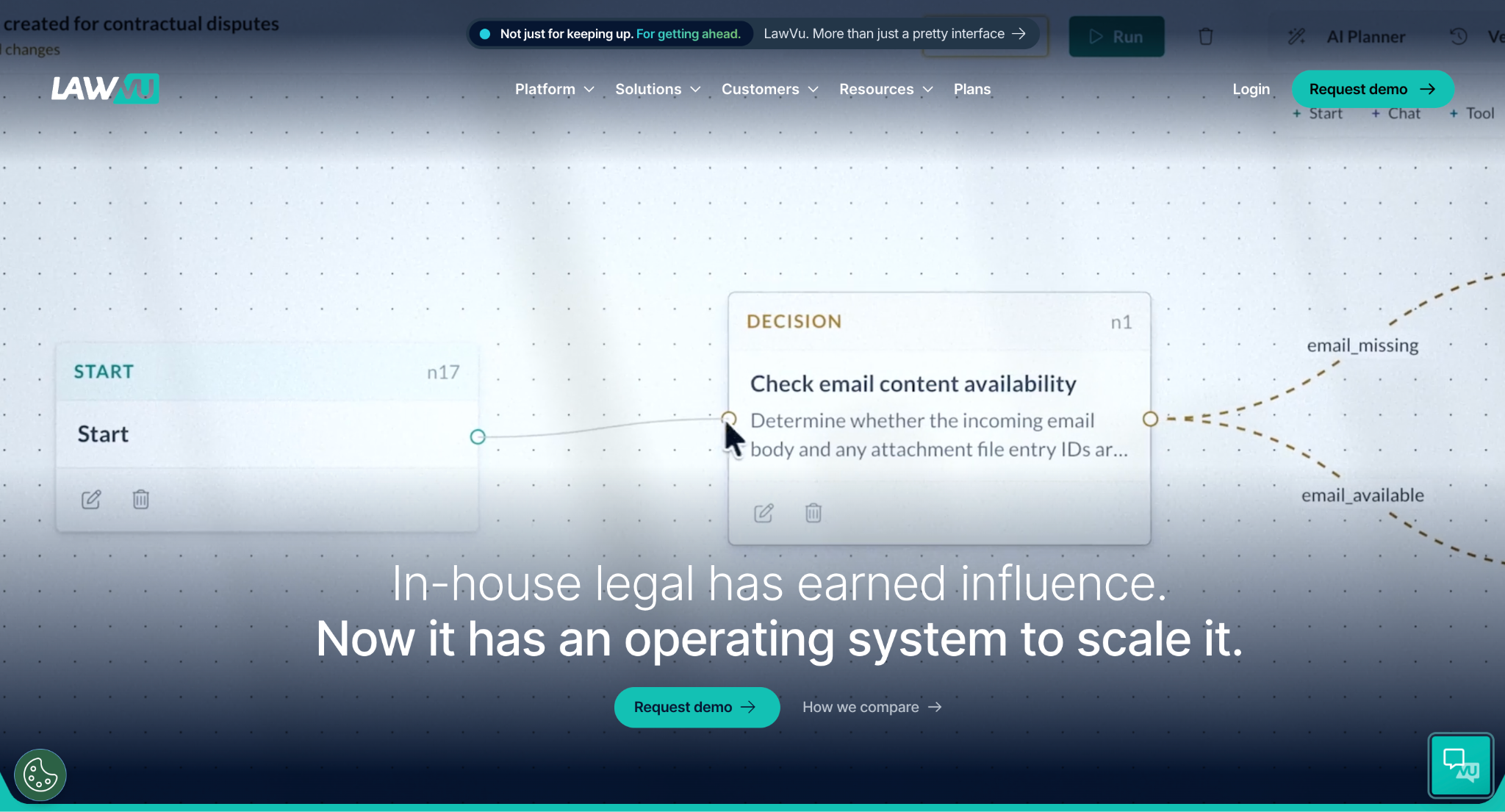
LawVu positions itself as a legal operations platform that combines contract lifecycle management with workflow automation and matter tracking. LawVu offers an integrated approach that eliminates data silos between contract management and legal workflow functions.
The platform's strength lies in its contract-first philosophy. If your primary pain point involves contract review processes and you want seamless integration between contract management and workflow automation, LawVu provides a cohesive solution that many specialized tools cannot.
LawVu covers a broader legal operations footprint than focused intake and workflow platforms. That breadth can help teams consolidate contracts, matters, spend, and intake, but it may be more platform than a team needs if its main problem is request capture and routing.
Features
LawVu provides integrated contract lifecycle management with approval workflows, matter management with timeline tracking, spend management for external counsel oversight, and reporting capabilities. The platform includes email integration, mobile access for remote workflow management, and document collaboration features.
The contract-centric approach means workflow automation is tightly coupled with contract data, which allows routing based on contract terms, values, and counterparty information.
Why Choose LawVu
For larger legal departments, LawVu's integrated approach eliminates the complexity of managing separate CLM and workflow systems. Contract data flows seamlessly into matter tracking, and spend information connects directly to contracts and workflow processes.
The spend management features offer visibility into external counsel costs and enable budget tracking at the matter level, which can be valuable for teams with significant outside counsel usage.
LawVu rates 4.5 out of 5 on G2 across 102 reviews, and reviewers there flag Outlook email filing speed and integration reliability as the most common frustrations.
If you’re weighing a broader legal operations suite against a more intake-focused platform, our Streamline AI vs. LawVu comparison breaks down the tradeoffs.
3. Checkbox.ai
Best No-Code Visual Workflow Builder
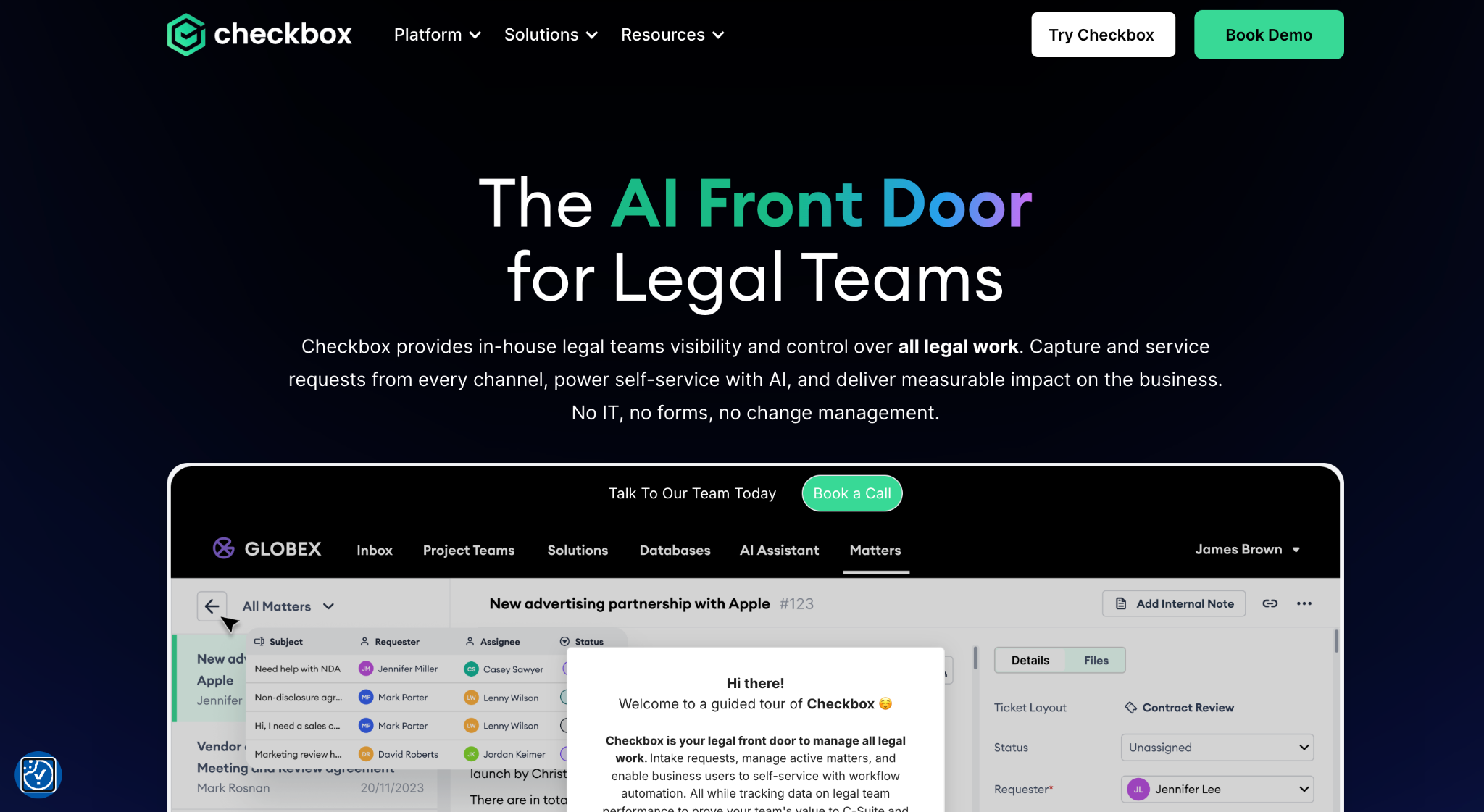
Checkbox.ai treats legal workflow automation as a business process problem rather than a legal one. It provides no-code form-building and workflow tools that legal teams adapt to their own use cases. The platform excels at creating complex intake forms and multi-step approval processes without requiring technical expertise.
The no-code approach enables legal teams to build and modify workflows without IT involvement or vendor support. The form builder is capable, supporting conditional logic, integration with external data sources, and detailed routing rules.
The limitation is that Checkbox.ai lacks the legal-specific features purpose-built solutions provide out of the box. Teams often need to build from scratch, which increases implementation time and ongoing maintenance.
Features
Advanced form building with conditional logic and fields that populate from earlier answers, workflow automation with multi-level approval chains, document generation with template management, and integration with common business tools including Microsoft 365 and Google Workspace.
The platform includes an analytics dashboard with workflow performance metrics and mobile access for approvals and status tracking.
Why Choose Checkbox.ai
The no-code platform's flexibility lets legal teams adapt workflows to specific organizational needs without vendor customization or additional development costs. The form builder supports intake processes that capture complex legal requirements with conditional logic rivaling custom-built solutions.
Integration capabilities cover most common business tools, though legal-specific integrations may require configuration rather than plug-and-play setup. Checkbox.ai rates 4.8 out of 5 on G2 across 25 reviews. Do you find Checkbox's no-code approach too open-ended?
Here are Checkbox alternatives worth considering. Want a closer look at no-code flexibility versus purpose-built legal workflows? Read how Streamline AI compares with Checkbox.ai.
4. Mitratech TeamConnect
Best for Large, Complex Enterprise Legal Departments
TeamConnect is the enterprise-grade end of this market, built with deep functionality designed for large legal departments with complex operational requirements, extensive compliance needs, and layered approval hierarchies spanning multiple jurisdictions.
The platform's strength lies in its enterprise scalability and breadth of feature coverage, handling hundreds of lawyers across multiple practice areas and complex workflow requirements.
The trade-off is implementation complexity and resource requirements. TeamConnect implementations run to months with significant IT involvement and dedicated project management. The platform is designed for legal departments with dedicated legal operations teams rather than mid-market departments seeking rapid deployment.
Features
Matter management with configurable workflow automation, extensive reporting and analytics with customizable dashboards, integration with enterprise systems including ERP and financial platforms, compliance tracking with audit trail capabilities, and external counsel management with spend oversight.
The platform includes advanced document management, enterprise-grade security features, and customizable workflow engines that accommodate complex organizational requirements.
Why Choose TeamConnect
For legal departments managing 50+ lawyers with complex approval hierarchies, regulatory requirements, and extensive external counsel oversight, TeamConnect provides operational depth that smaller platforms cannot match.
This is the clearest example on the list of a platform that beats Streamline AI outright on enterprise scale and multi-jurisdiction matter depth, which the scoring table below reflects.
Enterprise-grade security and compliance make TeamConnect suitable for highly regulated industries, including financial services, healthcare, and government contractors requiring extensive audit trails and access controls. It rates 4.7 out of 5 on G2, though from only 11 reviews, so read that score with the sample size in mind.
For enterprise teams balancing platform depth against implementation speed, the Mitratech TeamConnect comparison goes deeper on where each approach fits.
5. Onit
Best for Project-Based Legal Work
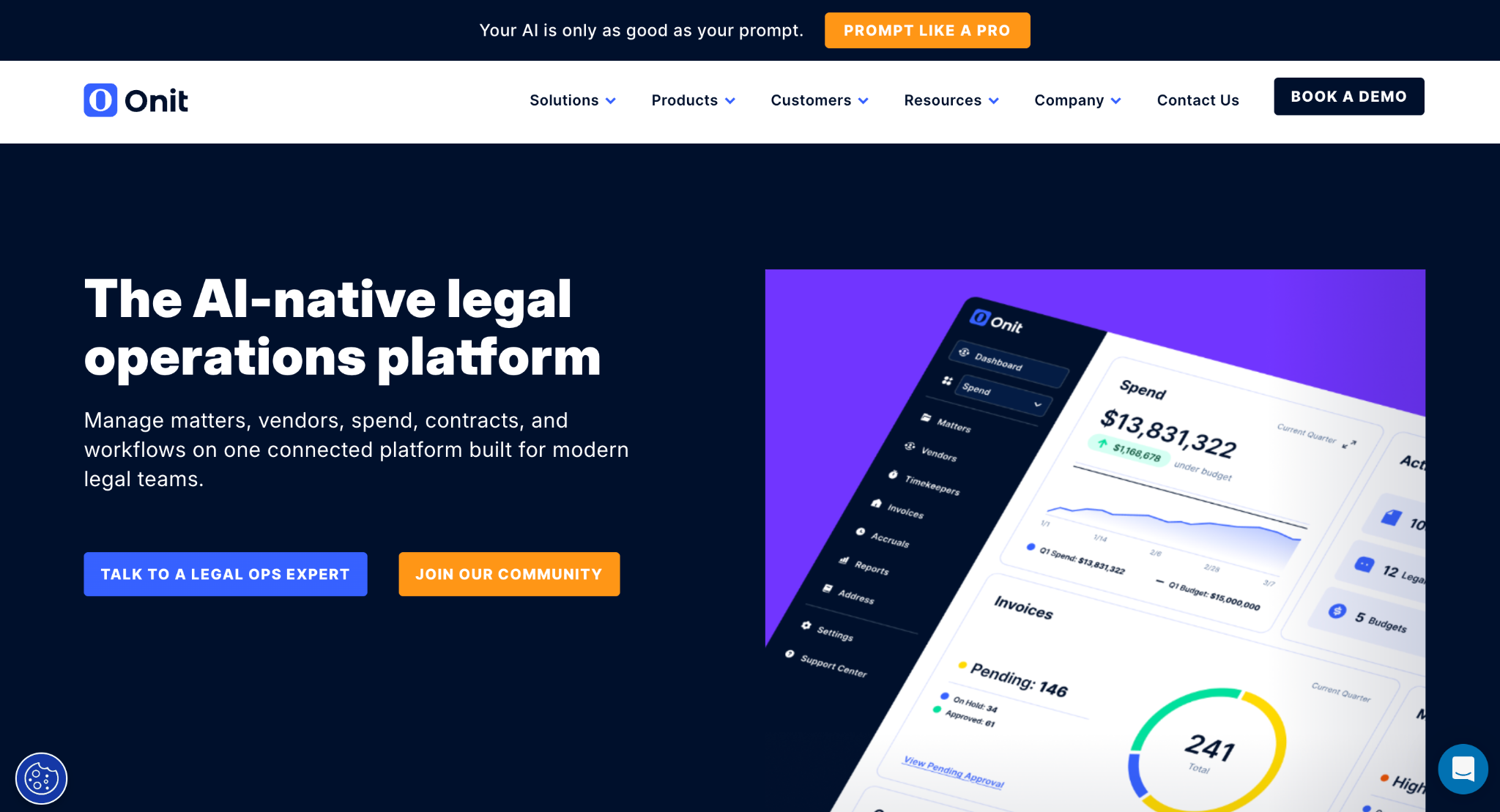
Onit is a configurable platform for legal workflow automation that is particularly strong in project management and complex task coordination. It stands out for detailed project tracking and resource management designed for legal teams running multi-phase, multi-stakeholder initiatives.
For legal departments handling complex matters such as acquisitions, regulatory investigations, or litigation management requiring coordination among multiple lawyers and business stakeholders, Onit provides project management depth that other workflow tools cannot.
The flexibility also creates implementation complexity. Teams often need extensive configuration to reach the legal-specific functionality that purpose-designed solutions include by default.
Features
Configurable workflow automation with project management integration, granular task tracking with dependencies and resource allocation, timeline management with milestone tracking, reporting dashboards with project performance metrics, and integration with common business and legal tools.
The platform includes resource management that enables workload balancing across team members, plus project portfolio oversight for legal operations teams.
Why Choose Onit
The project management focus makes Onit well-suited for legal teams handling complex, multi-workstream matters that need coordination across multiple lawyers, business stakeholders, and external parties over extended timeframes.
Flexibility enables extensive customization to specific organizational needs, though this requires more implementation effort than turnkey solutions. Onit Enterprise Legal Management rates 4.5 out of 5 on G2 across 80 reviews.
If project-heavy legal work is driving your evaluation, compare the two approaches in our Streamline AI vs. Onit comparison.
6. Tonkean
Best for Cross-Department Process Orchestration
Tonkean provides enterprise process automation that can be configured for legal workflows requiring integration across multiple systems and complex conditional logic. The platform excels at creating advanced automation that spans departments and handles layered business rules.
For legal operations teams with dedicated technical resources, Tonkean provides automation possibilities that extend well beyond typical legal workflow limits, connecting to virtually any business system.
The challenge is that Tonkean requires significant technical expertise to configure and maintain. The platform is designed for organizations with dedicated technical support rather than legal departments seeking a user-friendly workflow tool they can run themselves.
Features
Advanced process automation with multi-system integration, AI-powered workflow optimization, extensive customization with API access, enterprise-grade security and compliance features, and detailed triggering and routing logic.
The platform provides automation engines that handle complex workflows across multiple business systems and departments.
Why Choose Tonkean
For legal teams with technical resources and automation requirements spanning multiple business systems, Tonkean provides capabilities that specialized legal platforms cannot match.
The automation depth lets legal departments become integration hubs for business processes, extending workflow automation into wider organizational efficiency work. Tonkean rates 4.6 out of 5 on G2 across 30 reviews, with reviewers noting that setup can be less straightforward than competing tools.
Teams deciding between cross-department orchestration and legal-first workflow automation can use our Tonkean vs. Streamline AI breakdown to compare the differences.
7. Xakia
Best for Small and Mid-Sized In-House Teams
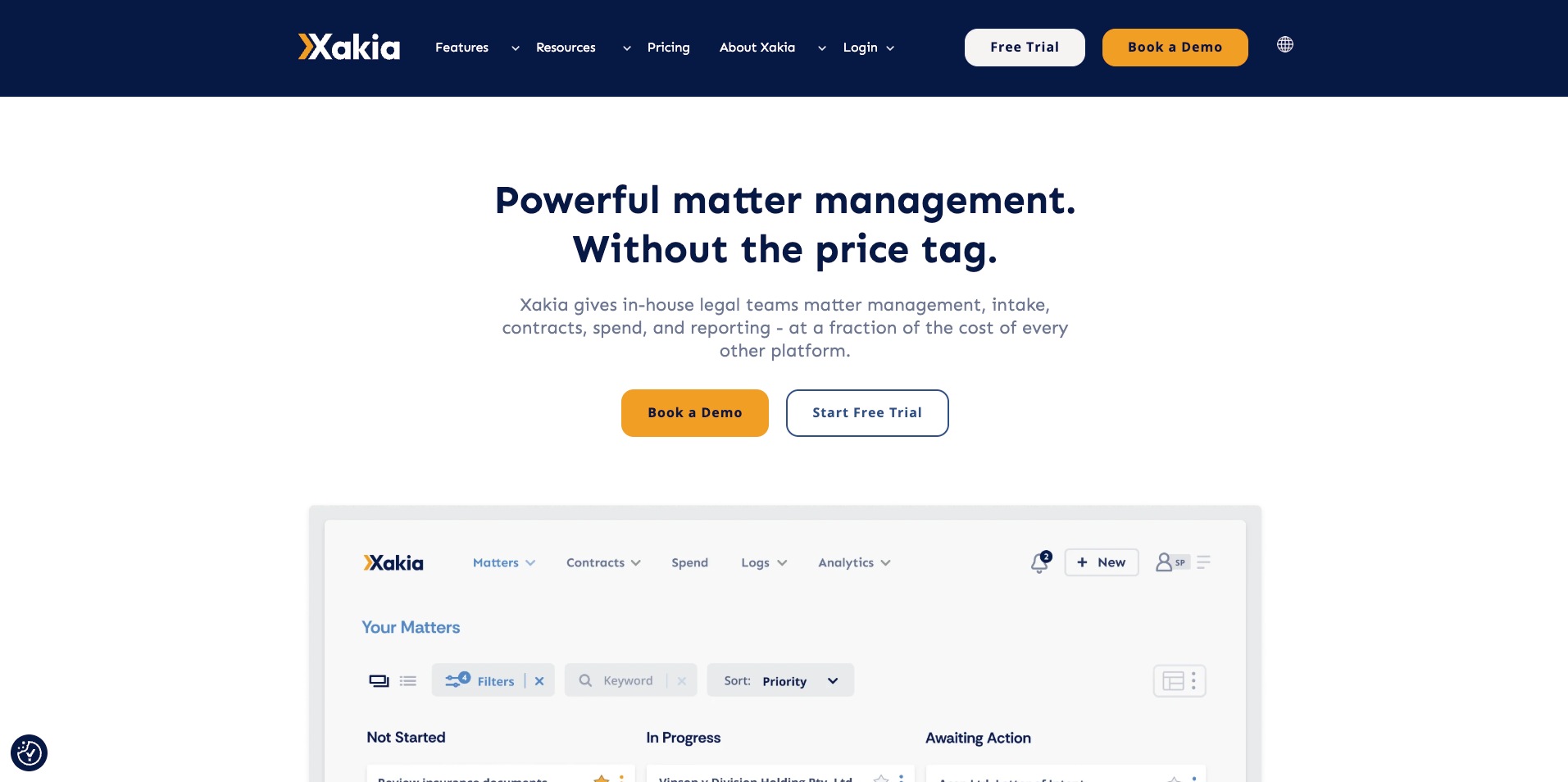
Xakia is a matter management and legal operations platform built for in-house legal departments rather than law firms. The company positions it for teams ranging from a single General Counsel up to departments of 100 or more, which puts it in a different bracket from the enterprise suites on this list.
Its stated strength is speed to value. Xakia says legal teams configure the platform and go live in days without an IT project, and it publishes a free trial and a 14-day pilot, which is unusual in a category where evaluation normally starts with a sales call.
The trade-off is depth of configuration. Reviewers on G2 note limited field customization, including an inability to rename matter status options, and report that reporting parameters are awkward to adjust outside Excel exports. AI capability arrived later than at some competitors, though Xakia now offers AI contract review and redlining.
Features
Xakia covers a legal intake and triage portal, matter tracking and assignment, contract lifecycle management, spend and budget tracking, automated reporting with board-ready dashboards, and entity management. Integrations include Microsoft Outlook, Word, SharePoint, Salesforce, Slack, and document management systems such as iManage.
Xakia publishes ISO 27001 and SOC 2 Type II. That is a real advantage if your organization handles health data or operates internationally.
Why Choose Xakia
Xakia suits legal departments moving off spreadsheets that want intake, matter tracking, spend, and reporting connected in one system without a long implementation or a legal operations hire to run it.
It rates 4.6 out of 5 on G2 across 15 reviews, with reviewers consistently citing onboarding support and the iManage integration as the product's strongest parts.
8. Ironclad
Best for Contract-Centric Workflows
Ironclad is a contract lifecycle management platform rather than a general legal workflow tool, and it earns a place here because contract requests are the highest-volume workflow in most legal departments.
Ironclad's Workflow Designer is a drag-and-drop tool for building contract generation and approval processes. Ironclad describes it as self-serve and usable out of the box, without long implementation times or technical expertise, and pairs it with a Workflow Library of pre-built contract workflow configurations so teams aren't starting from a blank page.
The limitation runs the opposite way from most tools on this list. Ironclad manages contracts from creation through approval, execution, and storage in a single repository, but it isn't built to capture and route non-contract legal work from the business, such as employment questions, marketing reviews, or regulatory queries.
Teams with mixed request volume end up running a CLM alongside an intake platform.
Features
Contract creation from templates with conditional logic, approval routing with sequential approver groups, in-app editing and redlining, turn tracking that shows which party currently holds the draft, signature coordination, and a searchable repository that automatically archives executed agreements and their metadata.
Ironclad also offers Clickwrap for embedding online terms in a company's own websites and applications and collecting acceptances at scale, which is a distinct product from the core CLM platform.
Why Choose Ironclad
Ironclad fits teams whose bottleneck is genuinely contract throughput rather than request triage, particularly where third-party paper makes up a large share of volume and the current process involves emailing documents back and forth.
It rates 4.4 out of 5 on G2 across 312 reviews, the largest review base of any platform here by a wide margin.
How to Choose the Best Legal Workflow Software for Your Team
Six questions separate the platforms on this list far faster than reading eight vendor pages. Work through them in order and most teams eliminate five of the eight before booking a single demo.
Assess Your Technical Resources and Implementation Capacity
The first factor in choosing legal workflow management software is your team's technical capacity and implementation bandwidth. If you are a lean legal department without dedicated legal operations support, prioritize platforms with proven rapid deployment and minimal technical requirements.
Streamline AI, Xakia, and LawVu are built for legal teams that want automation without technical overhead. Checkbox.ai requires more configuration but rewards teams comfortable with no-code tools. TeamConnect, Onit, and Tonkean need dedicated technical resources and longer implementation timelines.
Evaluate Workflow Complexity and Automation Needs
Consider how complex your legal workflows are and what level of automation would deliver meaningful efficiency gains. Most platforms handle simple routing and approvals, but layered conditional logic and AI-assisted automation require more advanced tools.
If your team handles 100+ requests per week and routing depends on deal size, practice area, and business urgency, prioritize platforms built for intelligent, adaptive routing over static approval chains.
Consider Integration Requirements and Existing Tech Stack
Evaluate how a platform will connect to your existing tools. Surface-level integrations that only share data are not enough for high-volume legal operations, because you need bidirectional workflows that trigger actions across systems.
Pay particular attention to email systems, Slack, Salesforce, and contract management platforms. The quality and depth of these connections often decide real-world effectiveness more than any feature list does.
Analyze Analytics and Reporting Capabilities
Good legal workflow software produces analytics that reposition legal from a cost center to a strategic asset. Look for platforms that automatically capture workflow data and present it in dashboards that answer business questions about legal performance and efficiency.
The metrics that matter include request volume trends, average resolution times, team capacity utilization, and business impact measurements. The platform should provide data to support budget discussions and resource decisions without manual entry or complex configuration.
Check Security and Compliance Certifications
Certifications shorten a vendor list faster than anything else on this page. They're yes-or-no questions, not judgment calls. Information security and procurement will ask, so answer it before you fall for a demo.
SOC 2 Type II is the baseline expectation. ISO 27001 matters for organizations with international operations. If your legal team handles protected health information on behalf of a covered entity, what you need is a vendor willing to sign a Business Associate Agreement, not a HIPAA certificate. No such certificate exists, whatever a vendor's badge page says.
Streamline AI holds SOC 2 Type II certification and is GDPR compliant, with AES-256 encryption at rest, TLS in transit, role-based access controls, legal-only comment visibility, and single sign-on through Google Workspace, Okta, and OneLogin.
The full detail sits on the security page.
A Quick Decision Tree for Narrowing the List
If you would rather not read eight vendor sections, name your bottleneck and start there.
- Intake and triage is the bottleneck: start with Streamline AI or Xakia
- Contract throughput is the bottleneck: start with Ironclad or LawVu
- Outside counsel spend and multi-jurisdiction matter depth: start with Mitratech TeamConnect or Onit
- A process that crosses legal, procurement, and IT: start with Tonkean or Checkbox.ai
- Fewer than five lawyers and no legal operations resource: weight deployment speed above feature depth, whatever else you do
One more filter, and it is the one vendors skip. Teams with very low and predictable request volumes may not need dedicated workflow software at all. In those cases, the time saved should justify the implementation and change-management effort. Spreadsheets and a shared inbox are still the right answer at that volume, and any vendor telling you otherwise is selling.
Pricing across this category is almost entirely quote-based, so expect to talk to sales before you see a number. If you want the wider view of where workflow tools sit alongside the rest of the stack, the guide to legal automation covers it.
Legal Workflow Software Compared Side by Side
This comparison is published by Streamline AI, and Streamline AI is included in it. Every platform was scored against the same criteria, and the scores below show where Streamline AI leads and where it does not.
| Capability | Streamline AI | LawVu | Checkbox.ai | TeamConnect | Onit | Tonkean | Xakia | Ironclad |
|---|---|---|---|---|---|---|---|---|
| Legal-Specific Design | 5 | 4 | 3 | 4 | 3 | 2 | 5 | 3 |
| Implementation Speed | 5 | 3 | 4 | 2 | 3 | 2 | 5 | 3 |
| AI Capability | 5 | 3 | 3 | 3 | 3 | 4 | 3 | 4 |
| User + Admin Experience | 5 | 4 | 4 | 2 | 3 | 2 | 4 | 4 |
| Integration Depth | 4 | 3 | 3 | 5 | 4 | 5 | 3 | 4 |
| Analytics & Reporting | 5 | 3 | 3 | 5 | 4 | 3 | 4 | 3 |
| Security & Compliance | 4 | 4 | 4 | 5 | 4 | 5 | 4 | 5 |
| Enterprise Scale & Multi-Jurisdiction Depth | 3 | 3 | 2 | 5 | 5 | 4 | 2 | 4 |
| G2 Rating (reviews) | 4.8 (28) | 4.5 (102) | 4.8 (25) | 4.7 (11) | 4.5 (80) | 4.6 (30) | 4.6 (15) | 4.4 (312) |
| Implementation Timeline | ~60 days | <90 days | 2-6 wks | 6-12 mo | 6-12 wks | 3-6 mo | Days-wks | 8-12 wks |
Streamline AI scores highest on the criteria most in-house teams weight first: legal-specific design, implementation speed, and analytics. It does not lead on integration depth, security certification breadth, or enterprise scale, and the table says so.
For most in-house legal teams, that trade is the right one. If your department spans multiple jurisdictions with heavy outside counsel spend, TeamConnect or Onit will serve you better, and no amount of scoring changes that.
How Streamline AI Clears the Legal Intake Bottleneck
Most legal workflow tools were designed around the contract. Streamline AI was designed around the request, and that changes what the product does.
Requests arrive wherever the business already works: email, Slack, Teams, Salesforce, or a form. AI email intake turns unstructured messages into structured requests with the fields already filled. Routing rules assign each one by practice area, deal value, or workload. Approvals follow the chain your organization actually uses, and every step gets timestamped.
That timestamping drives the reporting. When Sales says legal is slow, you can show that legal cleared its portion inside SLA while the document sat in the requester's queue for two days. Legal ops configures it all without filing an IT ticket, which is why most teams go live in 60 days. It won't replace your CLM. It handles everything else.
Bring three of your messiest request types to a 30-minute demo. Book a demo and we'll map them against your current process live.
Frequently Asked Questions About Legal Workflow Software
What Makes Legal Workflow Software Different from Generic Project Management Tools?
Legal workflow software handles requirements generic project tools were never built for. Legal work needs conditional routing by deal size, practice area, and urgency, plus matter management that groups related requests and preserves institutional knowledge. It also needs privilege controls, conflict checking, audit logs built for regulatory review, and analytics legal leaders can use in budget conversations.
How Long Does Legal Workflow Software Take to Implement?
Timelines vary substantially by platform complexity and implementation scope. Focused legal workflow platforms can go live within weeks, while broader enterprise deployments can take several months. Enterprise suites can run six to twelve months. Successful implementations start with core workflows and add complexity gradually rather than automating everything at once. Change management and user adoption matter more than technical configuration.
What ROI Can I Expect from Legal Workflow Automation Software?
Returns come from faster request processing, increased team capacity without new headcount, lower burnout and better retention, and improved stakeholder satisfaction. The strategic value often exceeds the operational saving. Once you can show legal's business impact with concrete metrics, you gain credibility for budget approval, team expansion, and initiatives that pay off over several years.
Can Legal Workflow Software Integrate with Existing Tools Such as Slack and Salesforce?
Modern platforms integrate with Slack, Salesforce, email, and document management systems, though integration depth varies widely. The best solutions offer native connections with bidirectional data flow and automated workflow triggers across systems. Weaker platforms provide surface-level data sharing only, which limits how much manual work actually disappears.
What Security Certifications Should Legal Workflow Software Have?
SOC 2 Type II is the baseline, confirming controls for security, availability, and confidentiality. ISO 27001 is the international information security standard and matters if you operate across borders. HIPAA works differently: there is no official HIPAA certification, so what you should ask for is a signed Business Associate Agreement if the vendor will handle protected health information. Always confirm whether a certification belongs to the vendor or only to its hosting provider.
Does Legal Workflow Software Replace a Contract Management System?
Usually not. Workflow software captures and routes every type of legal request, while contract lifecycle management handles drafting, negotiation, redlining, and post-signature obligations. Most in-house teams run both, using workflow software as the front door for all incoming work and routing contract requests through to the CLM.
How Much Does Legal Workflow Software Cost?
Most vendors in this category price by quote rather than publishing rates, so expect a sales conversation before you see a number. Costs vary by user count, modules selected, and implementation scope. When comparing options, weigh total cost of ownership including implementation time, training, and ongoing maintenance rather than the licence fee alone.
.avif)