Dynamic
Document
Generation:
 legal document automation for in-house teams

Legal teams spend countless hours drafting the same standard contracts over and over. Streamline AI's legal document automation turns your approved templates into simple forms, so the business can generate its own NDAs, SOWs, and vendor agreements while legal keeps control of the terms.

What is

legal

document

automation?

Legal document automation software creates contracts and other legal documents from approved templates instead of drafting each one by hand. Someone fills in a short form with the deal details, and the software produces a complete, correctly worded document ready for signature. It is also called legal document assembly, document preparation, or dynamic document generation. In-house legal teams use it to let the business create routine contracts on its own, while legal controls the template language and approves anything non-standard.

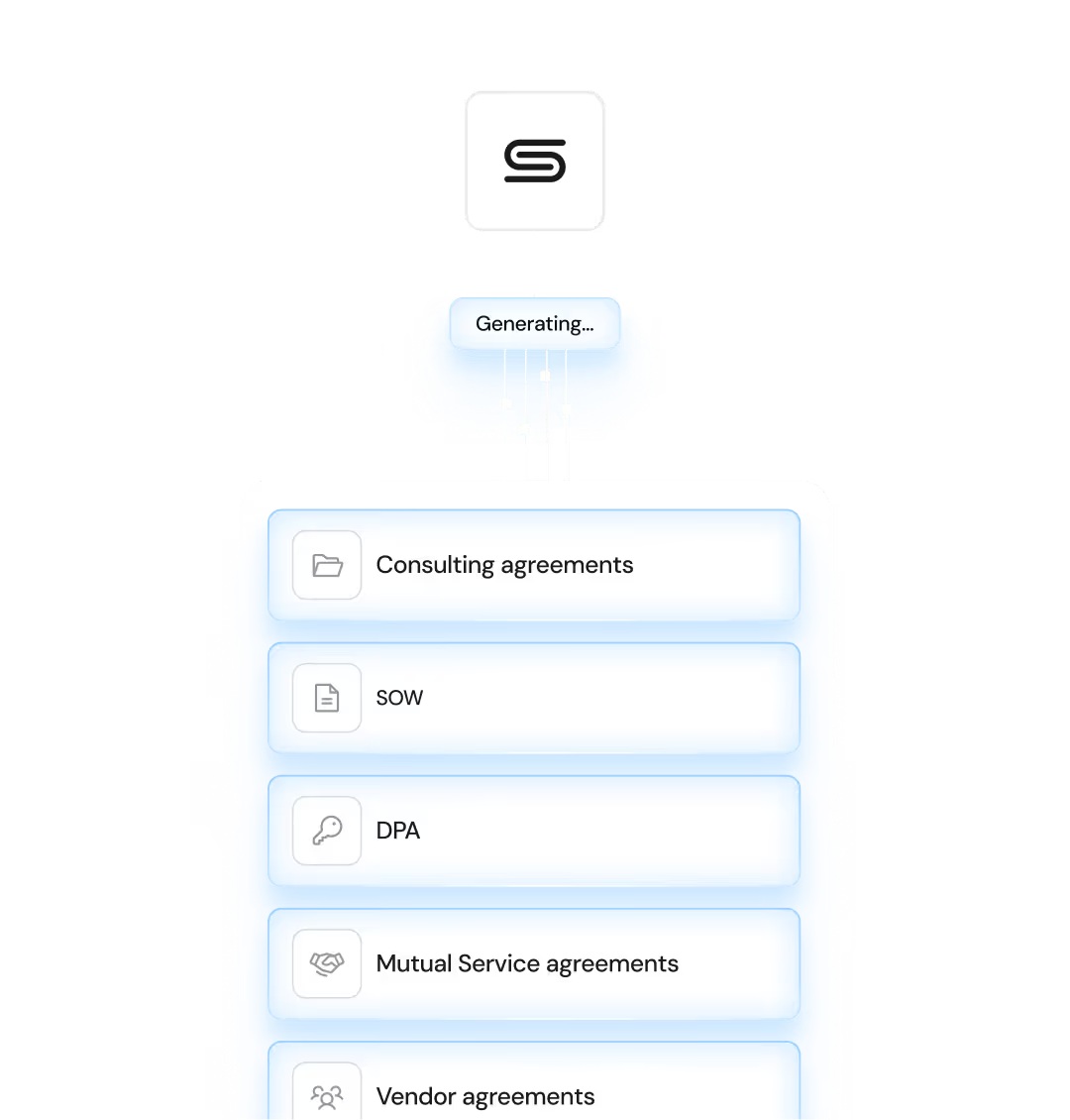
Documentsyou can automate:

Requests for proposal
Vendor/Supplier Agreements
Statements of Work (SOWs)
Partnership Agreements
Consulting Agreements
Software License Agreements
Data Processing Agreements (DPAs)
Mutual Service Agreements
Termination Agreements
Amendment Agreements
And more...
Requests for proposal
Vendor/Supplier Agreements
Statements of Work (SOWs)
Partnership Agreements
Consulting Agreements
Requests for proposal
Vendor/Supplier Agreements
Statements of Work (SOWs)
Partnership Agreements
Consulting Agreements
Software License Agreements
Data Processing Agreements (DPAs)
Mutual Service Agreements
Termination Agreements
Amendment Agreements
Software License Agreements
Data Processing Agreements (DPAs)
Mutual Service Agreements
Termination Agreements
Amendment Agreements

Create customized, legal-approved contracts in minutes

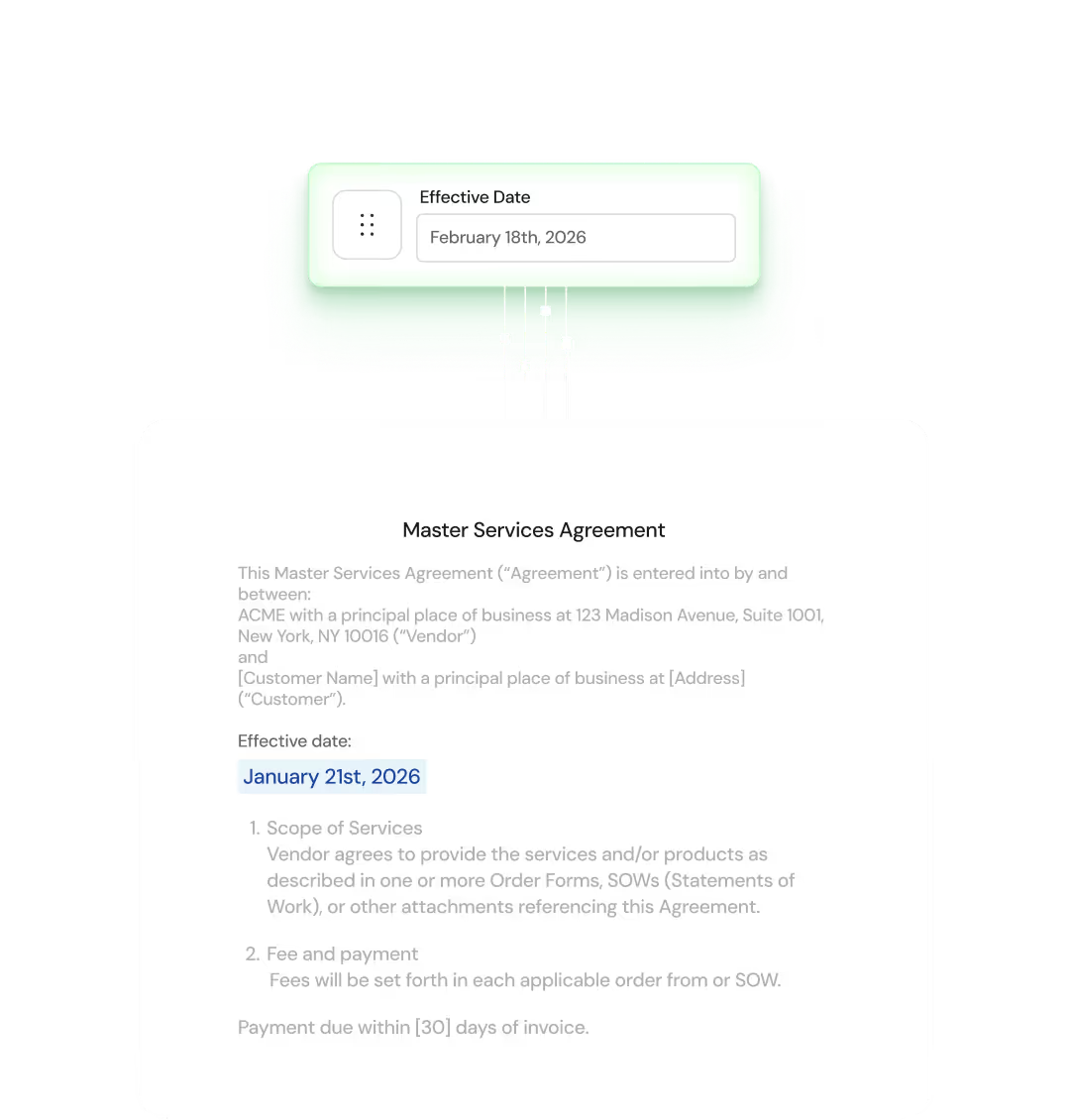
Streamline AI's dynamic contract generation lets you upload a template, define editable fields, collect partner details via a simple form, and instantly produce a signature-ready contract that's automatically stored — all in one seamless workflow.

Close-up of rippled turquoise water with darker underwater patches.
01

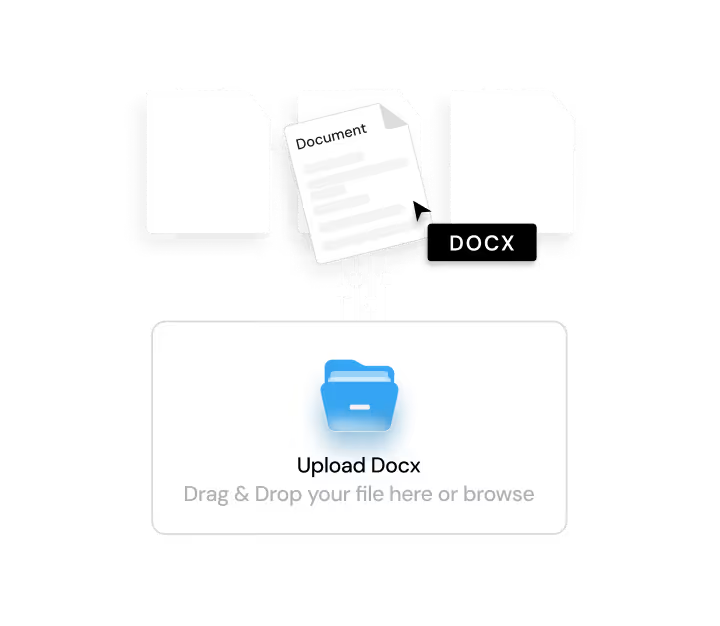
Upload any standard, legal-approved template, like an NDA or SOW

Close-up of blue-tinted textured glass surface with water droplets.
02

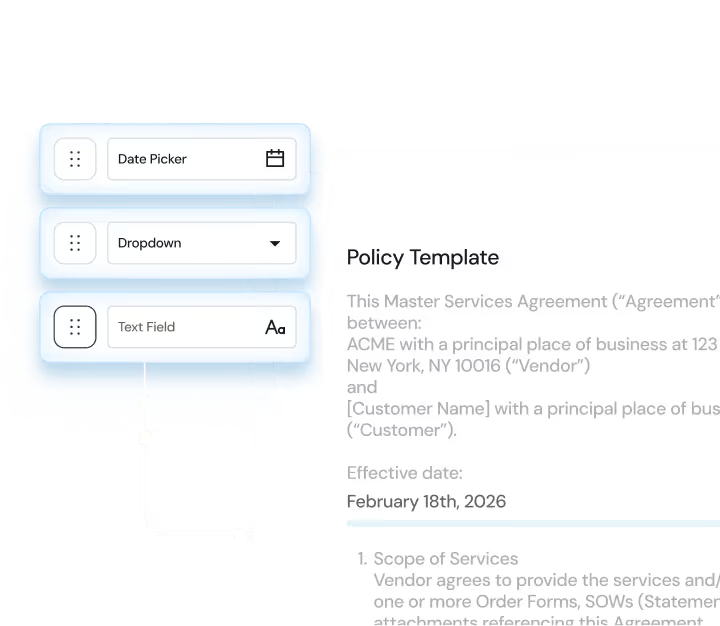
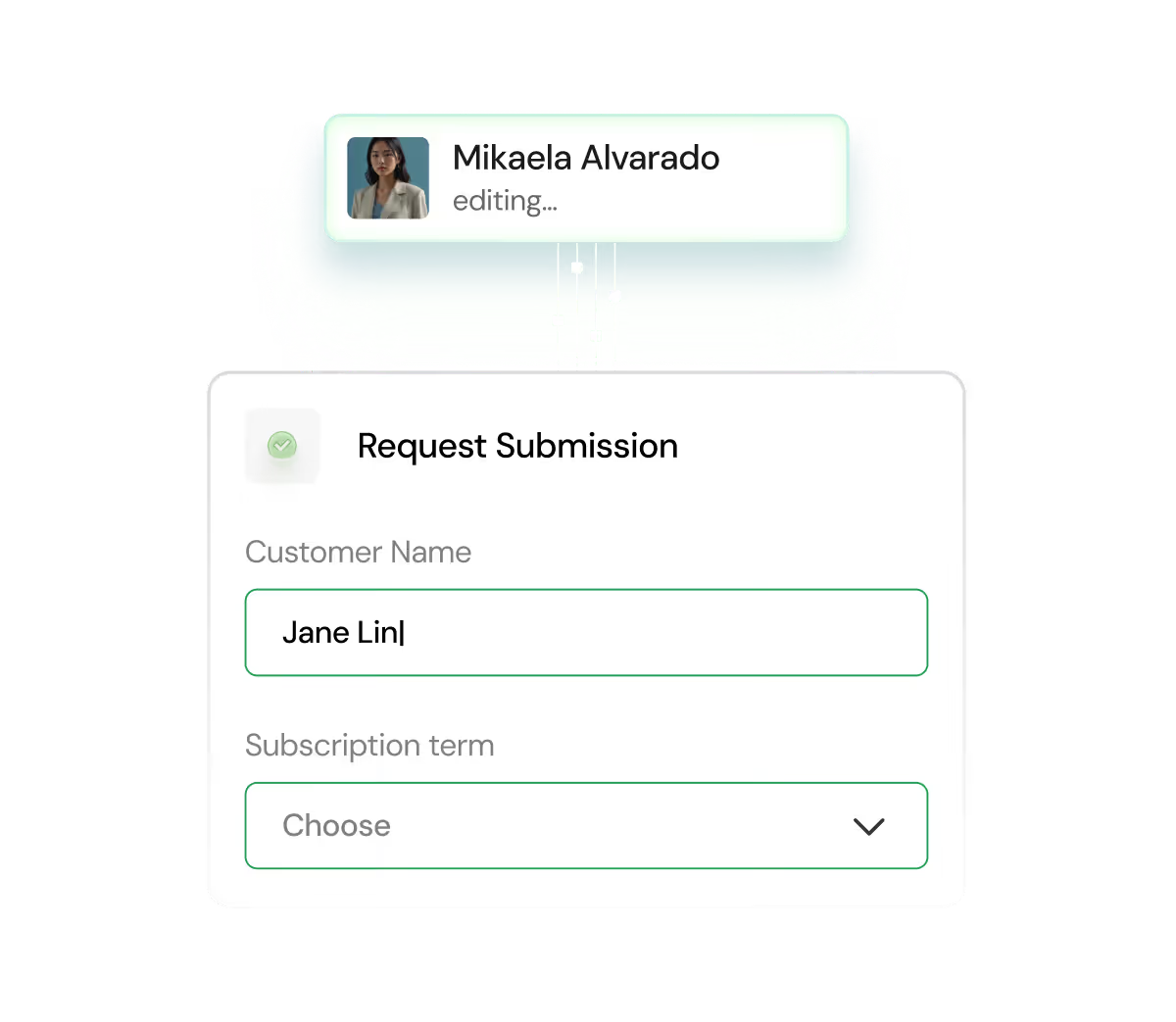
Drag and drop editable fields into the template, then publish
03

Business partners submit a request using a simple form to fill in the editable fields

04

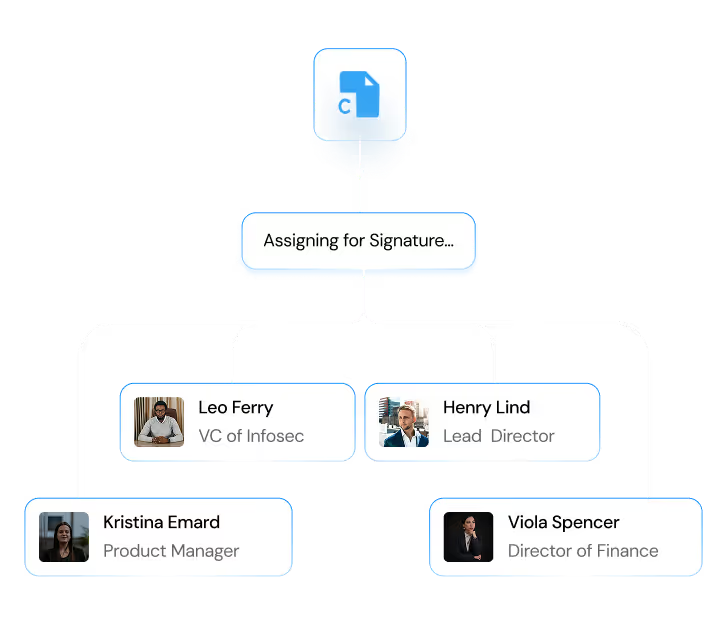
A contract is created and can be assigned for eSignature

05

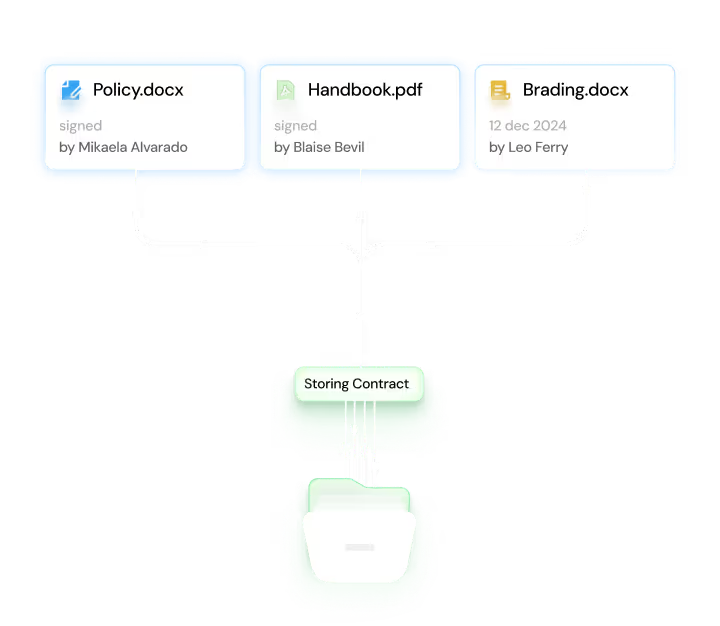
The signed contract is stored in Streamline AI
NDA automation and automated legal forms

NDAs are usually the first contract teams automate. With Streamline AI, legal uploads its approved NDA once and turns the variable details into a short form. Anyone in the business can request an NDA, fill in the form, and get a signature-ready document in minutes, without waiting on legal. The same approach works for any standard agreement or legal form that follows a template.

Document automation built for in-house legal

Most legal document software is built for law firms drafting documents for clients. In-house legal teams have a different goal: getting routine contracts out of legal's queue entirely. Streamline AI lets business teams generate their own documents from templates legal has approved, routes anything non-standard back to legal for review, and keeps every request and signed document in one place. Streamline’s embedded AI workflows automatically fill templates with information from request intake forms and route them for signature, so lawyers don’t have to get involved in high-volume, repetitive work.

Fully integrated with the Streamline AI  platform

Intake from any channel

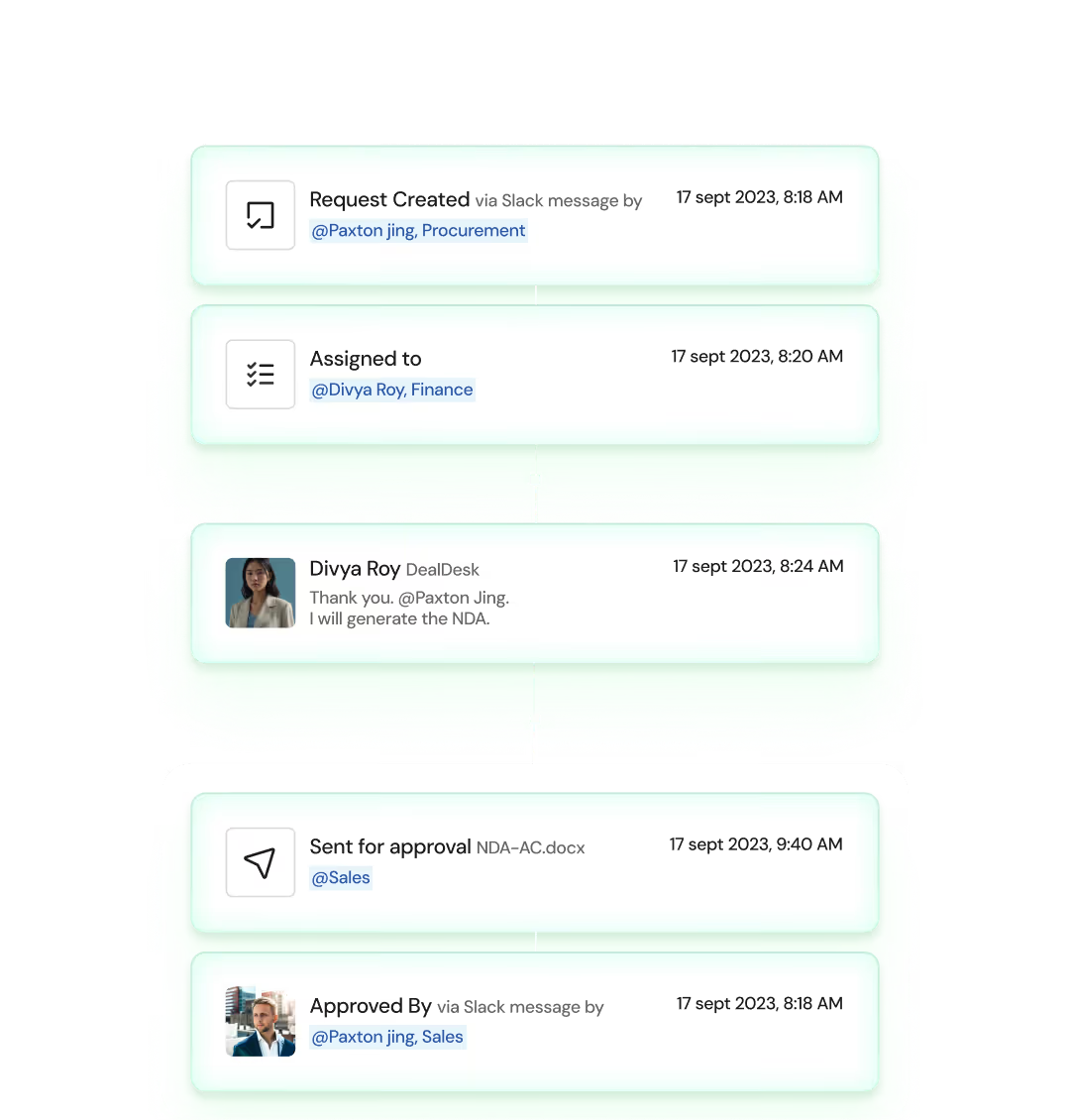
Business users can create documents dynamically from a form, or from email, Slack or MS Teams.

Contract storage

All contracts are stored in the Streamline AI platform

Contract assignment

Assign contract signatories, owners, and watchers

Contract security

Streamline AI is SOC 2 Type II certified and GDPR compliant.
Streamline
AI has created a forum for cross-functional collaboration within the
platform
making it incredibly easy for everyone, from the newest support hire all the way up to our CEO, to get in there.”
JP LaMunyon
Senior Legal Manager
Read Case Study
Abstract green and white textured background with a frosted glass effect.Blurred green and beige abstract background with a textured, frosted glass effect.White bow tie icon inside a blue circle on a white background.

Dynamic Document GenerationFAQs

What is legal document automation?

Legal document automation creates contracts and other legal documents from approved templates. A user fills in a short form, and the software produces a complete document ready for signature, so routine contracts no longer need to be drafted by hand.

White stylized letter S logo on a gradient blue and green background.

What documents can Streamline AI generate?

Any document based on a standard template, including NDAs, SOWs, RFPs, vendor and supplier agreements, consulting and partnership agreements, software licenses, data processing agreements, and amendments and terminations.

White stylized letter S logo on a gradient blue and green background.

Can business teams create contracts without legal?

Yes, for documents legal has approved as templates. Business users complete a simple form and generate the contract themselves. Legal controls the template language and which fields can be edited.

White stylized letter S logo on a gradient blue and green background.

How does legal keep control of contract terms?

Legal uploads the approved template and decides which fields the business can fill in. Everything else stays locked, so every generated document uses legal's approved language.

White stylized letter S logo on a gradient blue and green background.

Can generated documents be sent for e-signature?

Yes. Once a document is generated, it can be assigned for e-signature, and the signed contract is stored automatically in Streamline AI.

White stylized letter S logo on a gradient blue and green background.

Can business users request documents from Slack or email?

Yes. Documents can be created from a form, email, Slack, or Microsoft Teams.

White stylized letter S logo on a gradient blue and green background.