No-code workflow and process automation software for legal teams
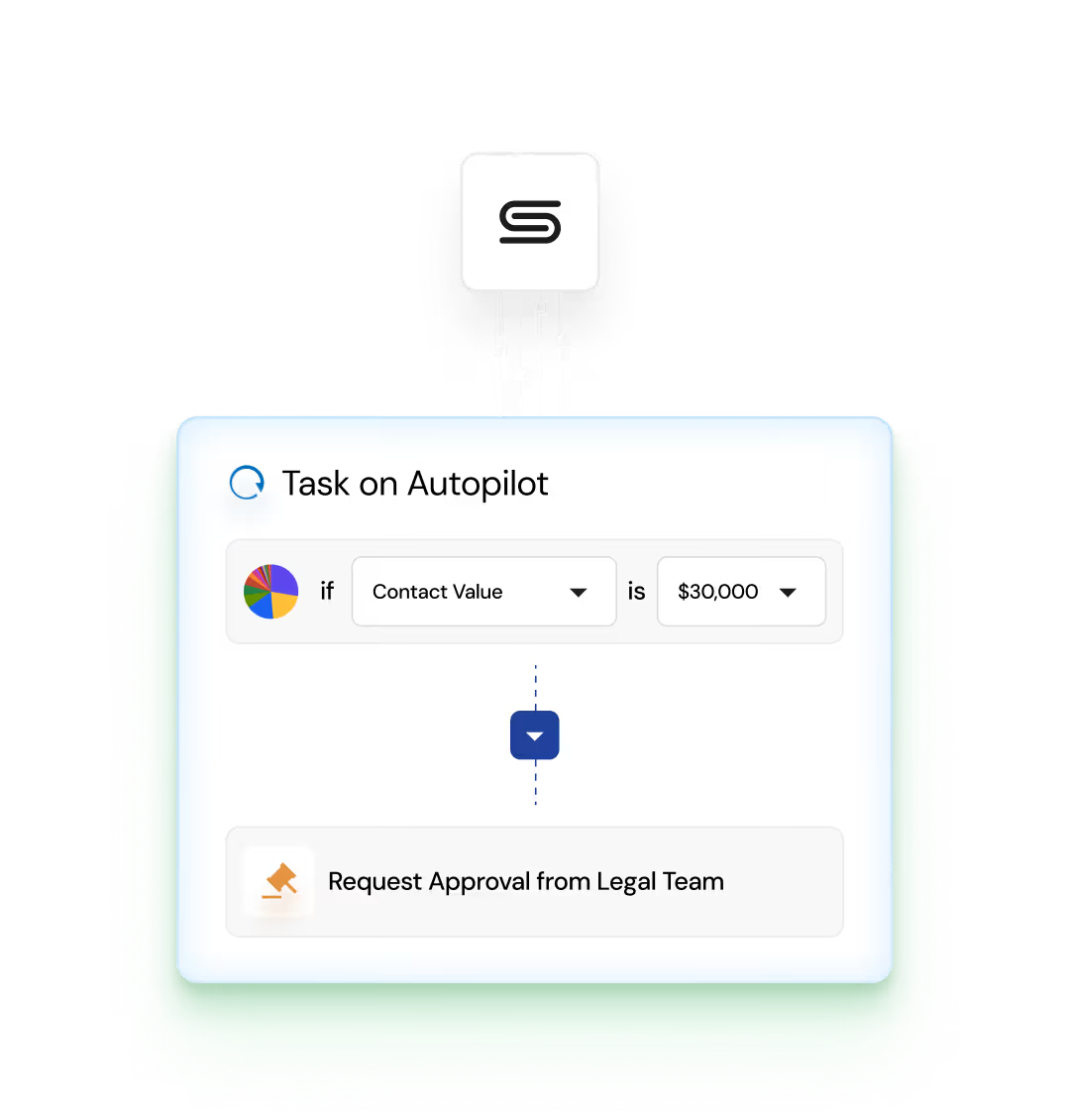
Easily build legal automations to set your repetitive tasks and route approvals on autopilot—no technical knowledge needed.


Easily build legal automations to set your repetitive tasks and route approvals on autopilot—no technical knowledge needed.


Discover how Streamline AI's pre-built integrations can enable your legal and business teams to work seamlessly together, where and how they want to work.


A legal workflow is a defined sequence of tasks or steps that legal professionals follow to complete a specific legal process or procedure. These workflows can range from simple processes such as document creation and review to more complex procedures such as litigation management or compliance auditing. Legal workflows are designed to ensure consistency, accountability, and efficiency in legal operations by standardizing how tasks are performed.
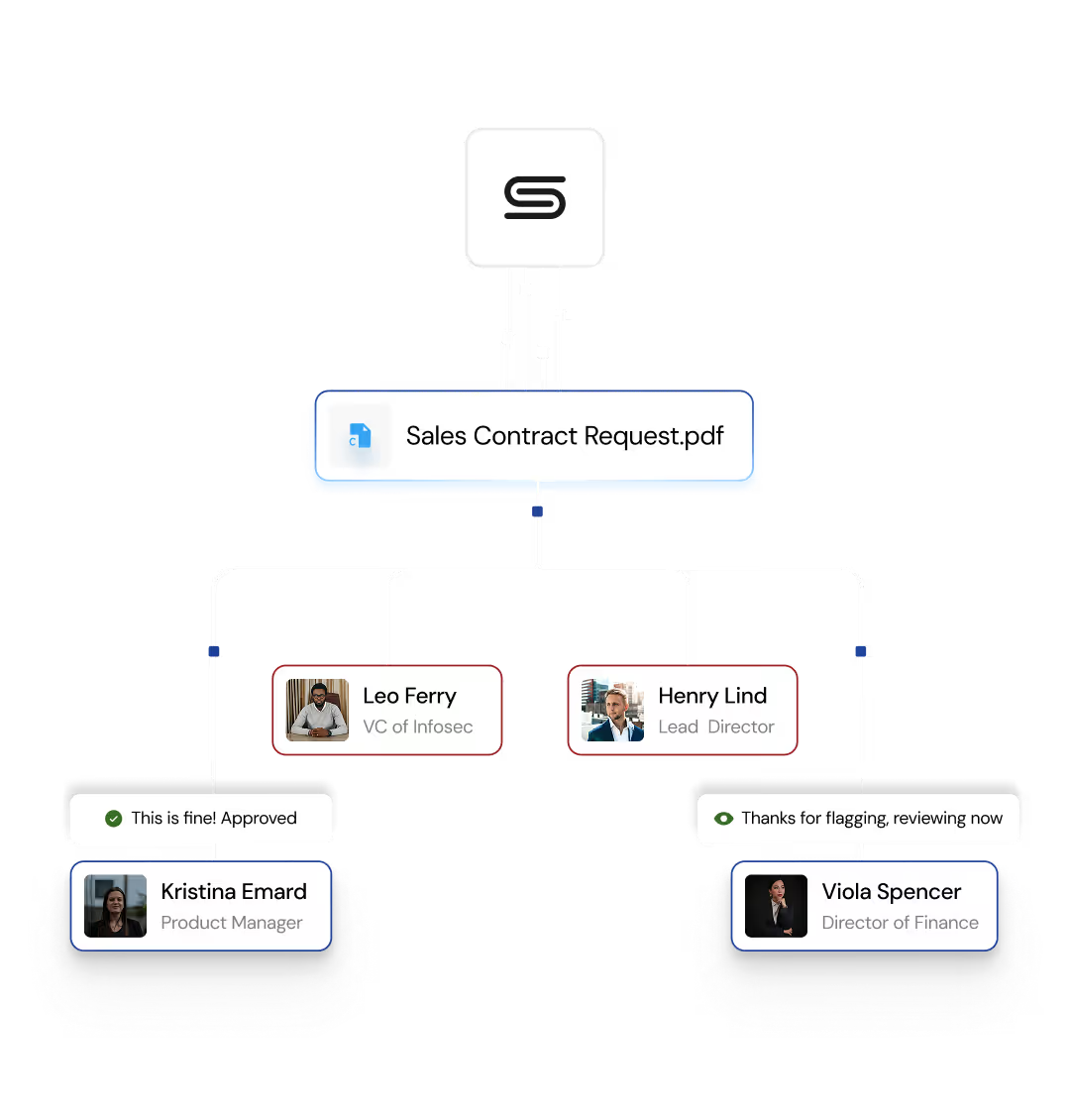
For example, a legal workflow for managing the lifecycle of a contract might include steps such as drafting the contract, internal reviews, negotiating terms, internal approvals with finance, sales, and IT teams, finalizing the agreement, and storing the executed and final document in a central repository. This workflow ensures that every contract follows the same process, reducing the risk of errors or missed steps.
A workflow for marketing policy management could involve drafting a new policy, obtaining feedback from relevant stakeholders, revising the policy based on feedback, obtaining final approval, and then communicating the policy to the organization. This ensures that policies are consistently reviewed, approved, and implemented.

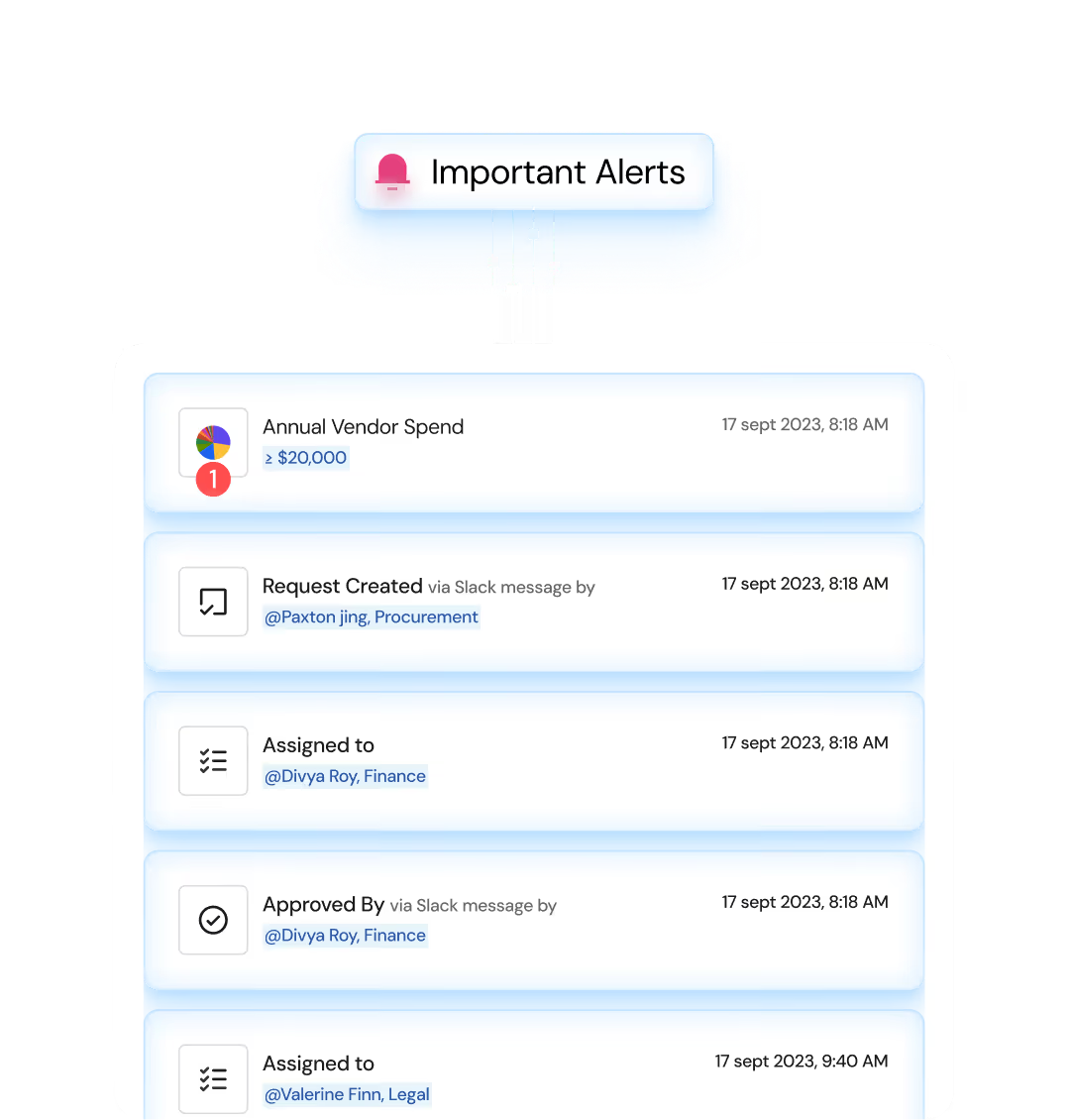
Legal intake and triage workflow software can handle any legal request, especially repetitive, high-volume tasks — not just contract requests. This type of legal intake automation software intelligently sorts and processes requests, reducing administrative work and improving efficiency.
Examples of legal requests that can be managed by legal intake software:
The key benefits of legal automation for in-house legal teams include:
Process automation focuses on automating specific, repetitive tasks, like automatically generating NDAs from templates, which reduces manual effort and ensures consistency. In contrast, workflow automation streamlines entire sequences of tasks, involving reviews and approvals from multiple steps and departments. For instance, automating the entire contract management process — from drafting to approval and final execution — ensures that each step is completed in the correct order by the right stakeholders, with no steps missed, minimizing delays and errors. In essence, process automation optimizes individual tasks, while workflow automation ensures that the whole process from start to finish runs efficiently.