Connect Streamline AI’s data to any
AI
 Assistant

Legal and business teams are already using AI tools for their day-to-day work: querying data, pulling statuses, getting quick summaries. But those tools are only as useful as the data they can access. The Streamline AI MCP Connector makes your legal data accessible from any AI assistant your team already uses, without logging into Streamline AI or asking someone to pull a report.

Legal teams work in Streamline

The MCP Connector brings the power of Streamline to everyone else where they already work.

Ask questions from wherever you work

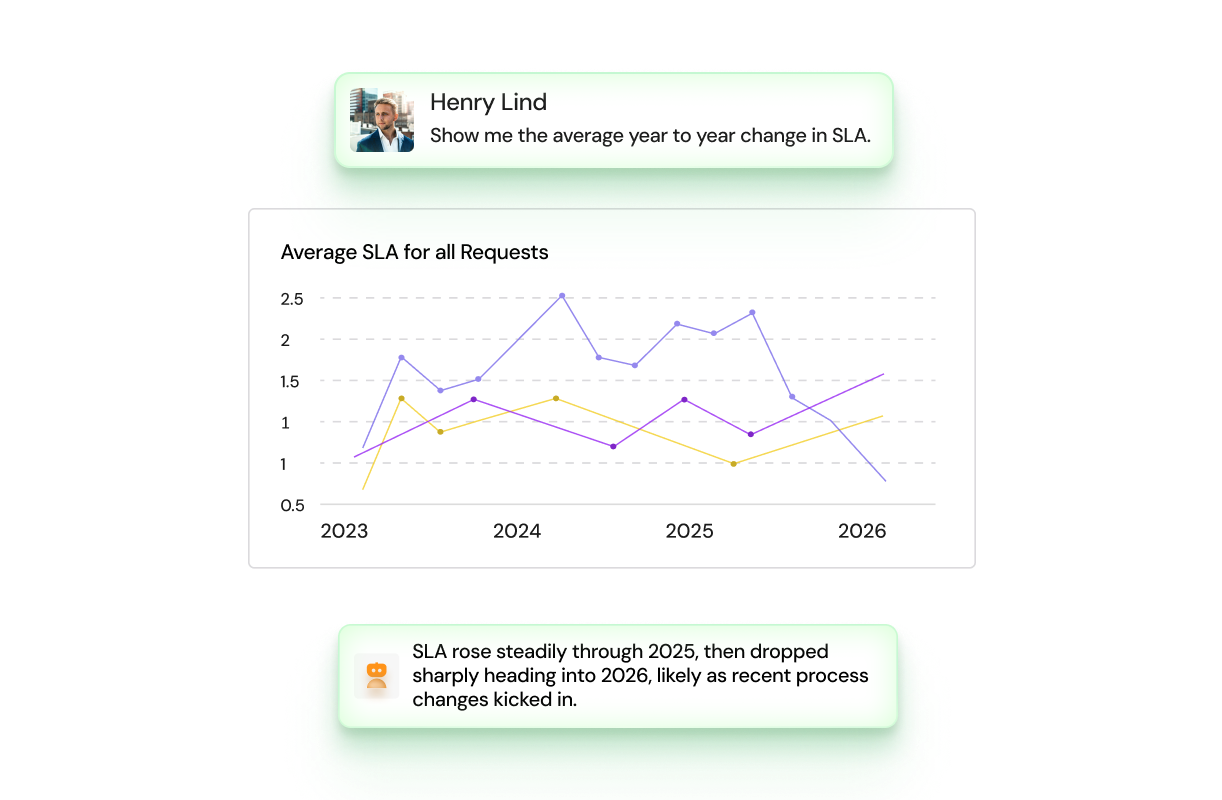
A CLO can ask a plain-language question about matter volume or team capacity and get a trustworthy answer in seconds, without opening Streamline AI.

Check status without switching tools

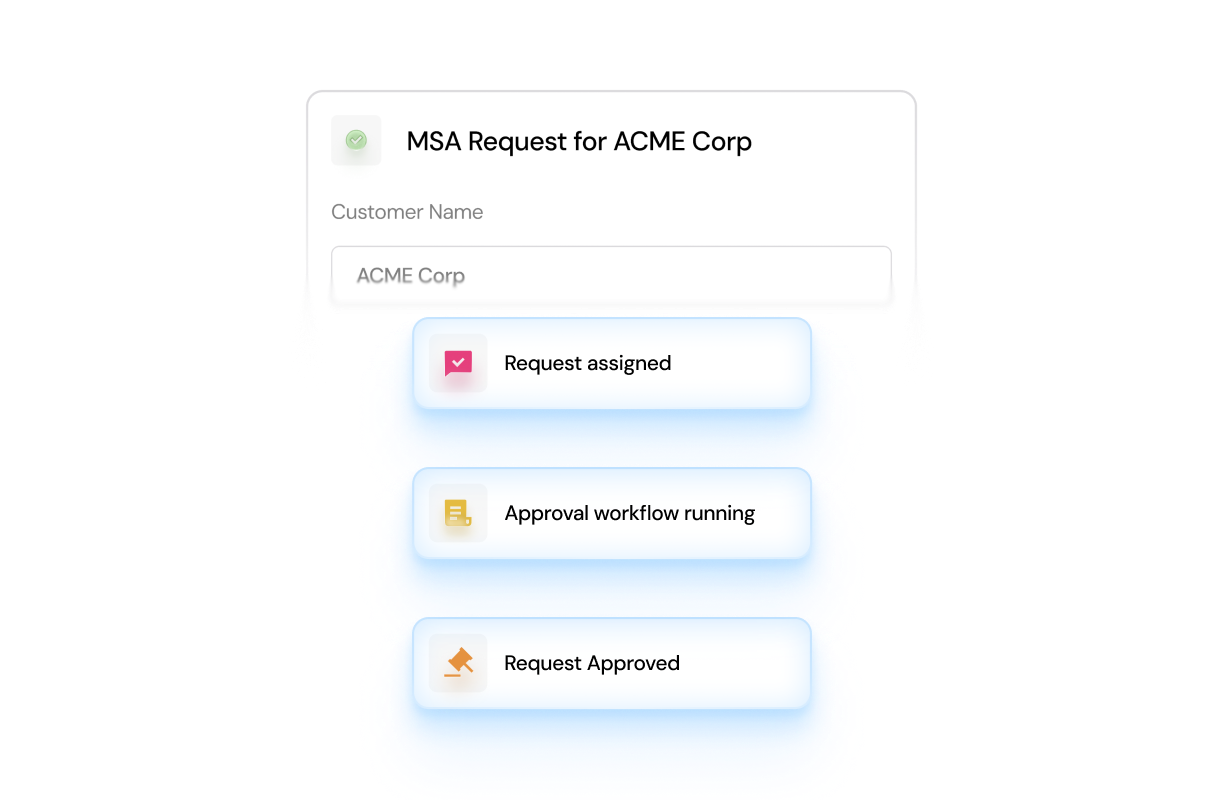
A business stakeholder can check the status of a request through Glean or Copilot without being routed into a new system.

Pull numbers mid-meeting

A legal ops leader can pull the numbers they need mid-meeting, in context, without breaking their workflow.

No new infrastructure to manage

The connector operates using Streamline AI's existing API endpoints. Set up in seconds, it ensures the maintenance for IT and LegalOps is minimal: there's no separate data pipeline to maintain, no duplicate storage, and no new infrastructure to manage.

Close-up of blue-tinted textured glass surface with water droplets.
Streamline supporting various agentic tools
Follow-up questions for a request
A data being pulled
Close-up of textured glass with a gradient of light purple to dark blue colors.
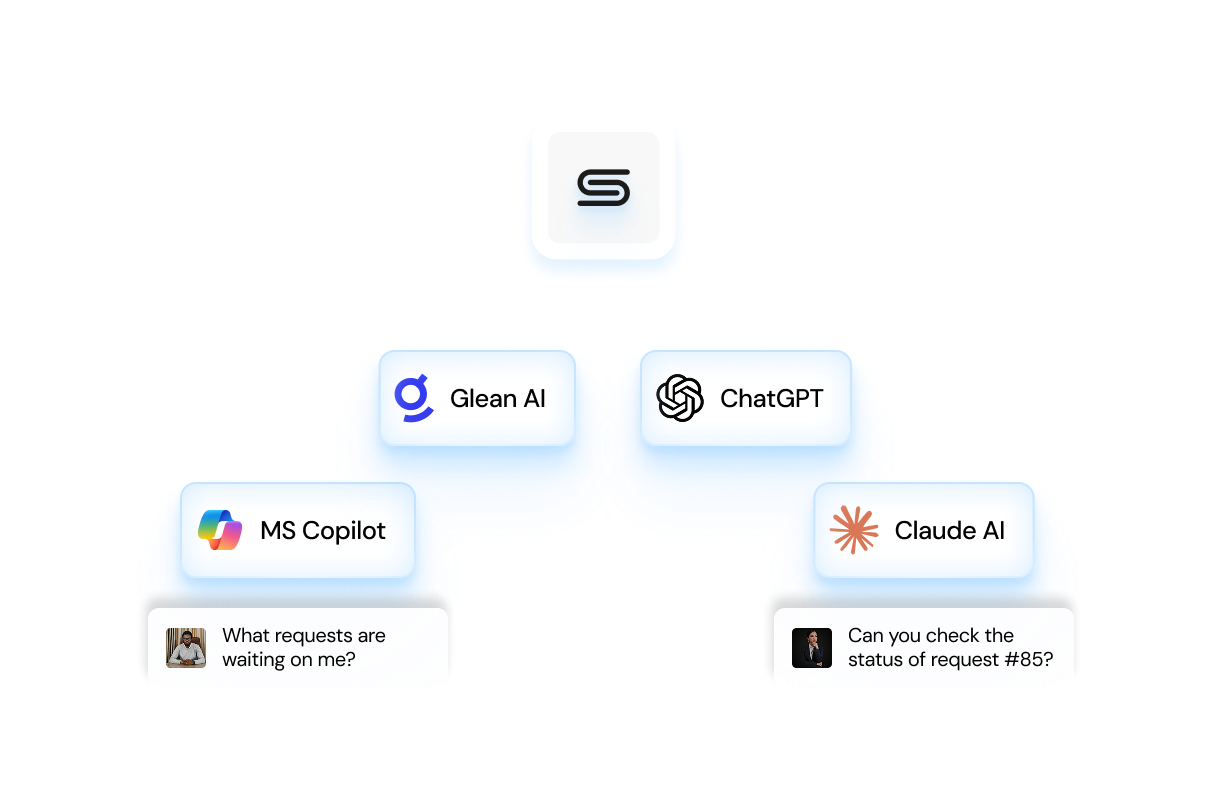
Streamline being accessible by agentlc tools
Close-up of blue-tinted textured glass surface with water droplets.
Streamline supporting various agentic tools

Ask questions from wherever you work

A CLO can ask a plain-language question about matter volume or team capacity and get a trustworthy answer in seconds, without opening Streamline AI.

Follow-up questions for a request

Check status without switching tools

A business stakeholder can check the status of a request through Glean or Copilot without being routed into a new system.

A data being pulled

Pull numbers mid-meeting

A legal ops leader can pull the numbers they need mid-meeting, in context, without breaking their workflow.

Close-up of textured glass with a gradient of light purple to dark blue colors.
Streamline being accessible by agentlc tools

No new infrastructure to manage

The connector operates using Streamline AI's existing API endpoints. Set up in seconds, it ensures the maintenance for IT and LegalOps is minimal: there's no separate data pipeline to maintain, no duplicate storage, and no new infrastructure to manage.

Built on MCP, the open standard for connecting AI to your data

MCP (Model Context Protocol) is the open standard for connecting AI assistants to external systems, supported by major providers including OpenAI, Google, and Anthropic, and now spoken by hundreds of AI clients. When an AI client makes a request, the connector authenticates it against your Streamline AI instance and routes it through the same APIs that power the Streamline AI product itself. With a single URL and no custom engineering required, any compatible AI client can connect directly to Streamline AI.

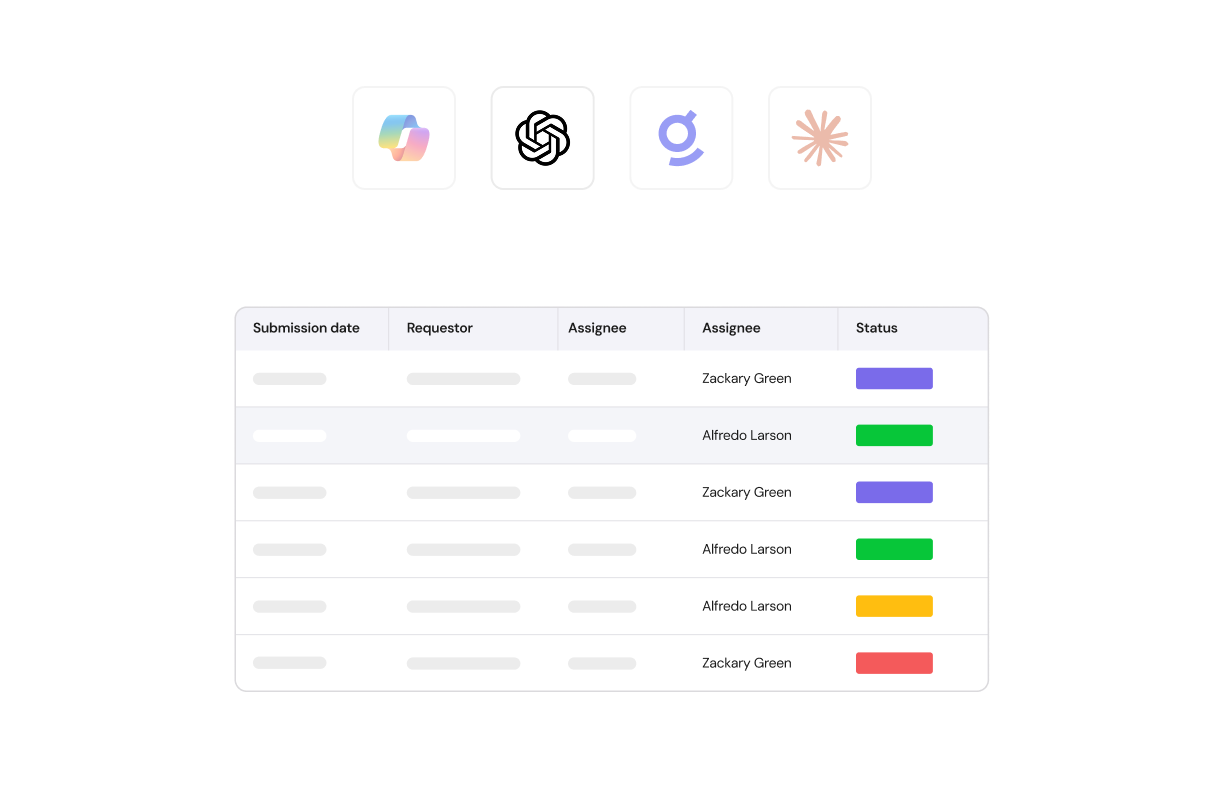
Compatible AI clients include Claude, ChatGPT, Gemini, Glean, Microsoft Copilot, Cursor, Windsurf, GitHub Copilot, Zed, Replit, Sourcegraph Cody, and any other MCP-compatible assistant your team uses today or adopts in the future.

What Legal teams
are doing with it

Documents icon

Ask questions about your data

Ask Glean how many NDA requests came in last quarter and get an answer pulled directly from Streamline AI data, without building a report or opening a dashboard.
Right arrow icon

Summarize open matters

Ask Claude to summarize all open matters for a specific business unit and surface which ones are overdue.
Text bubble icon

Submit a new legal request

Submit a new legal request by describing what you need in plain language inside ChatGPT, and have Streamline AI identify the right intake form and pre-populate it.
Timer icon

Get status updates

Ask Microsoft Copilot for a status update on a contract approval mid-meeting and get a live answer without leaving Teams.
Numbered list icon

Get a list of prioritized matters

Pull a prioritized list of matters approaching their deadlines at the start of the day, directly from whichever tool the team already uses.
Text bubble icon

Draft request replies

Have Claude review a thread of business partner messages in the collaboration hub and draft a reply in your voice, with Streamline AI context already in hand.
“To say I’m a “super” fan of Streamline AI is an understatement,
it’s
truly one of the best tooling I’ve
worked
with in my current 18+ years in the Legal field!”
Rita Zupancic
Legal Operations and Compliance
Abstract green and white textured background with a frosted glass effect.Blurred green and beige abstract background with a textured, frosted glass effect.White lightning bolt icon on a bright pink background.

The ease of an AI assistant with the security of Streamline AI

Streamline AI houses your most sensitive legal data, and the MCP Connector is built to keep it that way.

Blue shield icon with a lighter blue checkmark in the center.

Secure connection layer

The connector securely connects AI clients and your Streamline AI instance.
No cloud icon

No data storage

The connector does not store or cache your legal data. It routes credentialed requests in real time.
Icon of a robot head with a padlock symbol on its face, representing privacy or security.

User permissioning

The connector enforces the same permissions the user has in Streamline AI, and nothing more.
List icon

Detailed audit trail

Every action is attributed to the signed-in user and captured in the audit trail.
Key icon

Standard authentication

The connector uses a standard MCP login flow, with no token copying or IT overhead.

MCP Connector
FAQs

What is MCP?

MCP, or Model Context Protocol, is an open standard for connecting AI assistants to external systems. It's supported by major AI providers including Anthropic, OpenAI, and Google, and by hundreds of AI clients.

White stylized letter S logo on a gradient blue and green background.

Which AI assistants work with the MCP Connector?

Any MCP-compatible client, including Claude, ChatGPT, Gemini, Glean, Microsoft Copilot, Cursor, Windsurf, GitHub Copilot, Zed, Replit, and Sourcegraph Cody, plus any other MCP-compatible assistant your team adopts in the future.

White stylized letter S logo on a gradient blue and green background.

Does connecting an AI assistant change who can see what?

No. The connector enforces the same user permissions that already exist in Streamline AI. Users can only access what they're already permitted to see, and every action is attributed to the signed-in user in the audit trail.

White stylized letter S logo on a gradient blue and green background.

Does the connector store our legal data outside of Streamline AI?

No. The connector routes credentialed requests to Streamline AI in real time. It does not store or cache your data.

White stylized letter S logo on a gradient blue and green background.

Does this require custom engineering on our end?

No. Any compatible AI client can connect through a single URL, with no custom engineering required.

White stylized letter S logo on a gradient blue and green background.

What's the difference between the MCP Connector and Velo Copilot?

The MCP Connector extends Streamline AI's data out to AI assistants like Claude, ChatGPT, and Glean for executives, business stakeholders, and occasional users. Velo Copilot is the assistant built directly inside Streamline AI for your legal team's day-to-day work.

White stylized letter S logo on a gradient blue and green background.